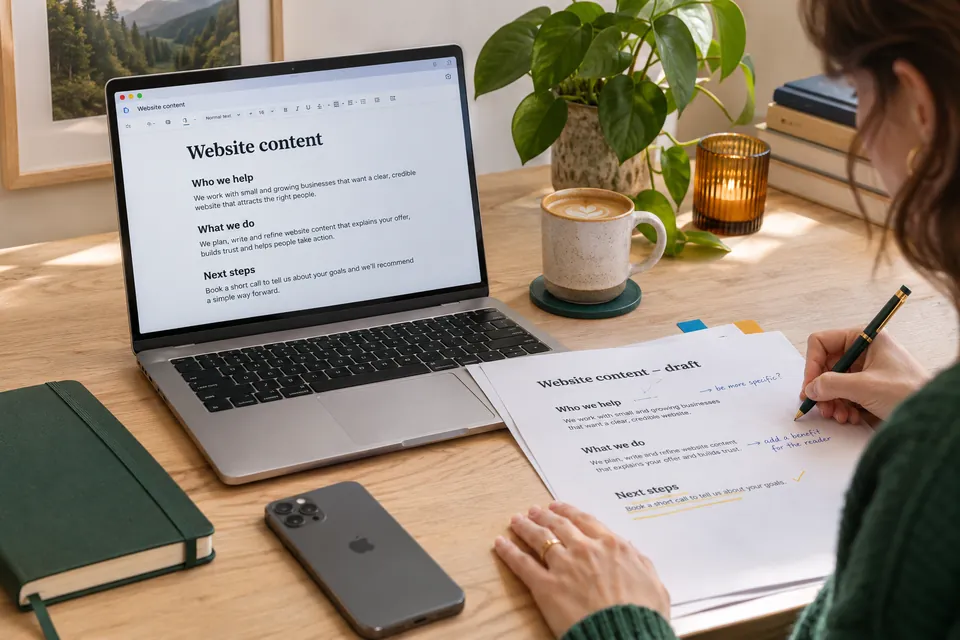
Quick answer: useful content helps a specific person understand something or make a decision. To write it, start with the questions customers really ask, give each page one clear job, answer early in plain language, and show evidence for what you claim. Google’s guidance rewards the same thing: content made for people first, rather than to attract search traffic.
- Start with real customer questions.
- Give every page one clear purpose.
- Put the answer first, then the detail.
- Show who wrote it and why it can be trusted.
What useful content looks like
Most business websites describe the business. Useful content describes the customer’s situation, and how to move forward. Compare these two openings for an imaginary plumbing company:
- Company first: “We are a leading provider of innovative plumbing solutions.”
- Customer first: “Hot water not working? We repair and replace electric, gas and solar systems across Perth’s northern suburbs.”
The second tells the visitor straight away whether they are in the right place. It also uses the words a person would type into a search box.
What Google says
Google’s guidance on helpful content asks publishers to focus on content created for people, not primarily to gain search rankings. It suggests asking whether a visitor would leave feeling they had learned enough to achieve their goal. It also suggests thinking about Who created the content, How it was created, and Why it exists.
That is a useful test even if you never think about search. It matters more now that AI summaries answer many simple questions directly, which we look at in our article on Google AI Overviews and website traffic.
Find the questions worth answering
You probably have better research than any keyword tool, because customers tell you what they want to know. Collect questions from:
- phone calls and emails to your team
- questions asked during quotes and sales conversations
- reasons people gave for not going ahead
- reviews, including those for your competitors
- the search terms listed in Google Search Console
Group what you find. Questions about one service belong on that service’s page, and broader topics may deserve their own article. Our guide to local SEO in Perth shows how this works for location searches.
Give each page one job
Before writing, complete this sentence: “This page helps [who] to [do what].” If it takes more than one sentence, you may need two pages.
A service page, for instance, should cover:
- what the service is, and who it suits
- the problem it solves
- what is included, and what is not
- how the process works
- what affects the cost and timing
- examples of similar work
- what to do next
Avoid having several pages that compete on the same topic. Merge them into one stronger page and redirect the old addresses.
Write so people can scan it
Most visitors scan first and read only if the page seems right. Help them:
- Answer first. Put the conclusion at the top and the explanation after it.
- Use descriptive headings. “What affects the cost” is better than “Pricing considerations”.
- Keep paragraphs short. Two to four sentences is a good limit on a phone.
- Use everyday words. Write “help” rather than “facilitate”, and explain any necessary jargon.
- Use lists and tables for steps, options and comparisons.
Read your draft aloud. If you run out of breath or stumble, shorten the sentence.
Page titles and descriptions
Google’s title guidance recommends writing descriptive, concise titles and avoiding keyword stuffing. Include what the page is about, and your location if it matters. Each page should have its own title.
Show why you can be trusted
Anyone can claim to be experienced. Useful content shows it, with things like:
- photos and examples of real work
- specific details that only someone who did the work would know
- the name of the person who wrote or checked the page
- links to the sources of any figures
- a date showing when it was last reviewed
Be careful with statistics and testimonials. Use only those you can support, and keep the source. Honest limits build trust too: saying who a service is not right for helps the people it is right for.
If you use AI to help
AI tools can help with outlines and editing, but they do not know your customers or your work, and they can state incorrect facts with confidence. Add your own experience and check every claim before publishing.
Connect related pages
Internal links help visitors find the next useful thing, and help search engines understand how your pages relate. Google’s link guidance recommends link text that describes the destination, so “see our website redesign checklist” is far better than “click here”.
Each article should link to a relevant service, and each service to helpful articles or examples. Make sure every important page can be reached by following links from another page.
Keep it accurate
Useful content stops being useful when it goes out of date. Put a reminder in the calendar to review key pages every six months. Check prices, services, team members, links and anything that refers to a law or a specific date.
A quick content checklist
- Does the page answer a real customer question?
- Is its purpose clear within the first few seconds?
- Is the main answer near the top?
- Could a visitor scan the headings and understand it?
- Is every claim supported?
- Does it link to the next logical step?
- Is it easy to read on a phone?
Need help? Our digital marketing and SEO team can review your existing content and identify what to fix first.
Common questions
How long should a web page be?
Long enough to answer the question, and no longer. Google has no preferred word count. A contact page can be short, while a detailed guide may need more room.
How often should we publish new articles?
Only as often as you can maintain quality. A few genuinely helpful pages, kept up to date, are worth more than many thin ones.
Should we write for customers or for Google?
Write for customers, then check that the page is clear enough for a search engine to understand. Good titles, headings and links serve both.